


Now on Google Play
Your brokerage stops answering the same four questions by phone
What my policy covers, when it expires, what I have paid and how my claim is progressing. My insured can consult this themselves, at any time, in an app with your logo and colors.
Subscribe See how it works Enter
Download on Google Play On iOS: sent and under review
The application at a glance
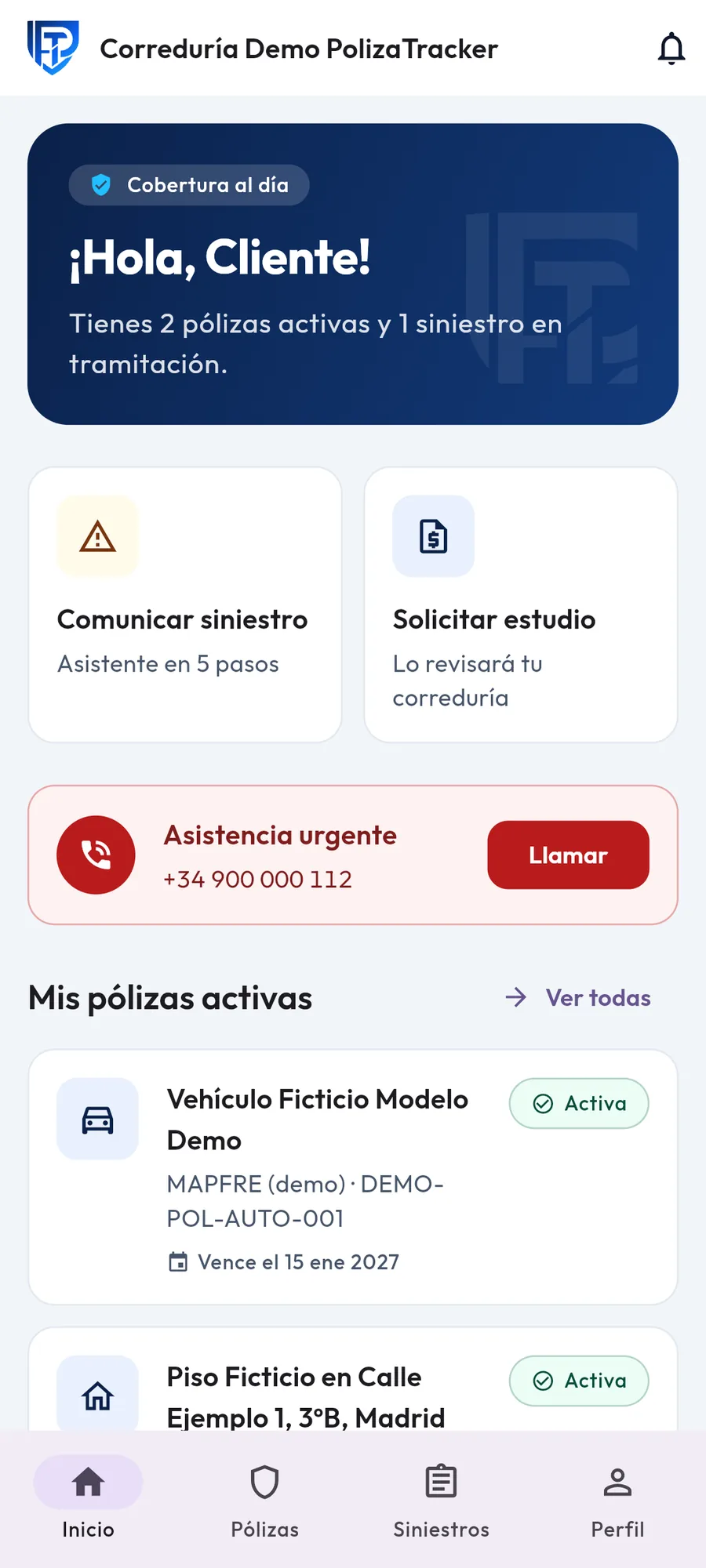
Everything in one place, at a glance
Active policies, what is expiring soon, and the status of open claims.
The problem
The phone is the only channel today
Four questions dominate any brokerage's phone calls: what does my policy cover, when it expires, what I have paid, and how is my claim progressing? These four questions have a written answer somewhere, but no one can easily find them.
- Documentation lives in folders that the customer cannot access.
- Only the person processing the claim knows the real status of it.
- There is no possible response outside of office hours.

Meanwhile, the phone continues to ring
How it works
Three steps and it's done
We publish the app with your brand
Your logo, your colors and the name of your brokerage.
Upload your portfolio
Policies, receipts and documentation, with your brokerage's data isolated from that of any other.
Your insureds enter
They consult, declare claims and follow their file without calling.
A claim, from start to finish
Your insured sees where they are
The five stages that a file goes through. The insured can check them when they want, and stop calling to ask about the progress.
-
Received
They declare it from the app, with photos and friendly tone.
-
Under review
Your brokerage checks coverage and documentation.
-
Sent to the company
Leaves the office with the complete file.
-
In processing
The company works on it; the insured sees it progress.
-
Resolved
With its written resolution, without a single call.
Inside
What your policyholder sees
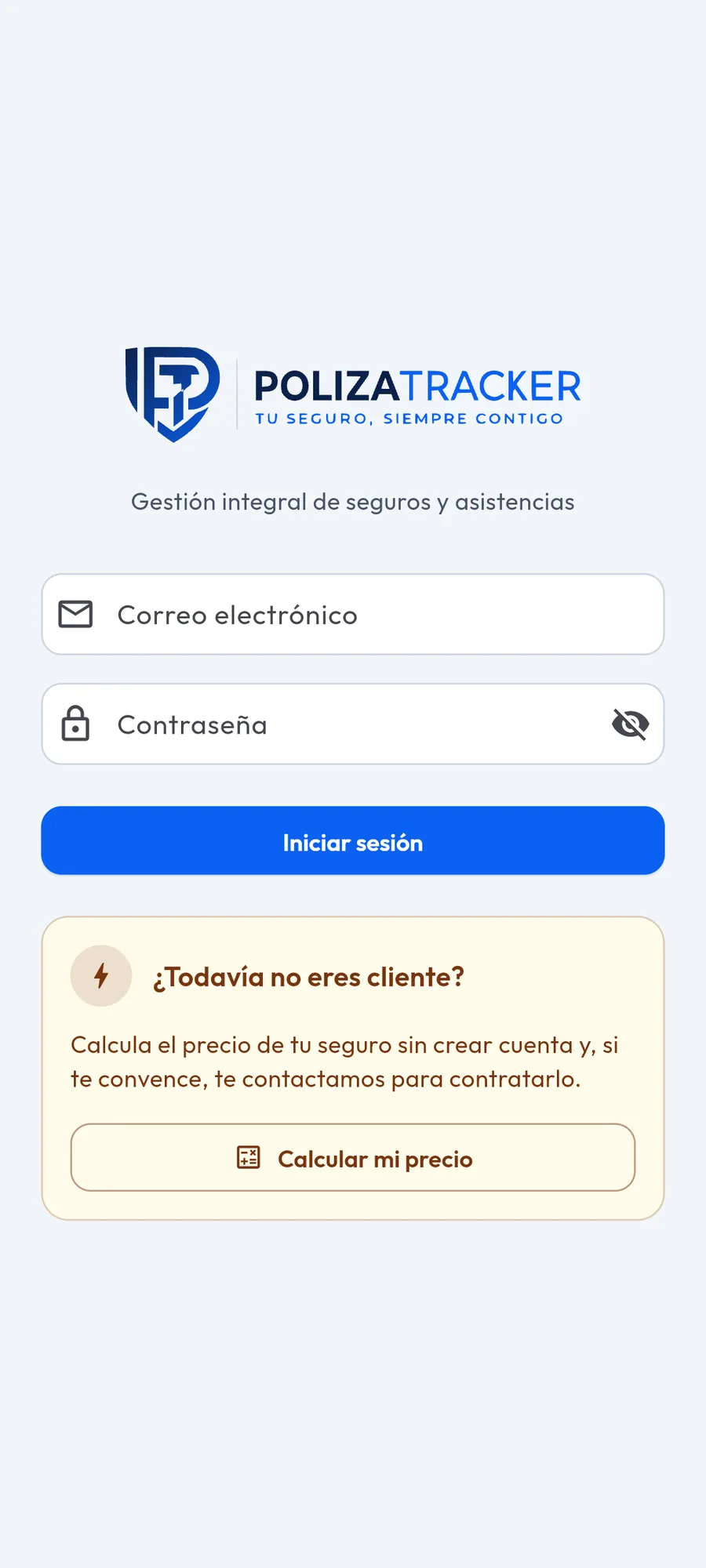
The policyholder logs in, not the broker
Each policyholder accesses their own and only their own information.
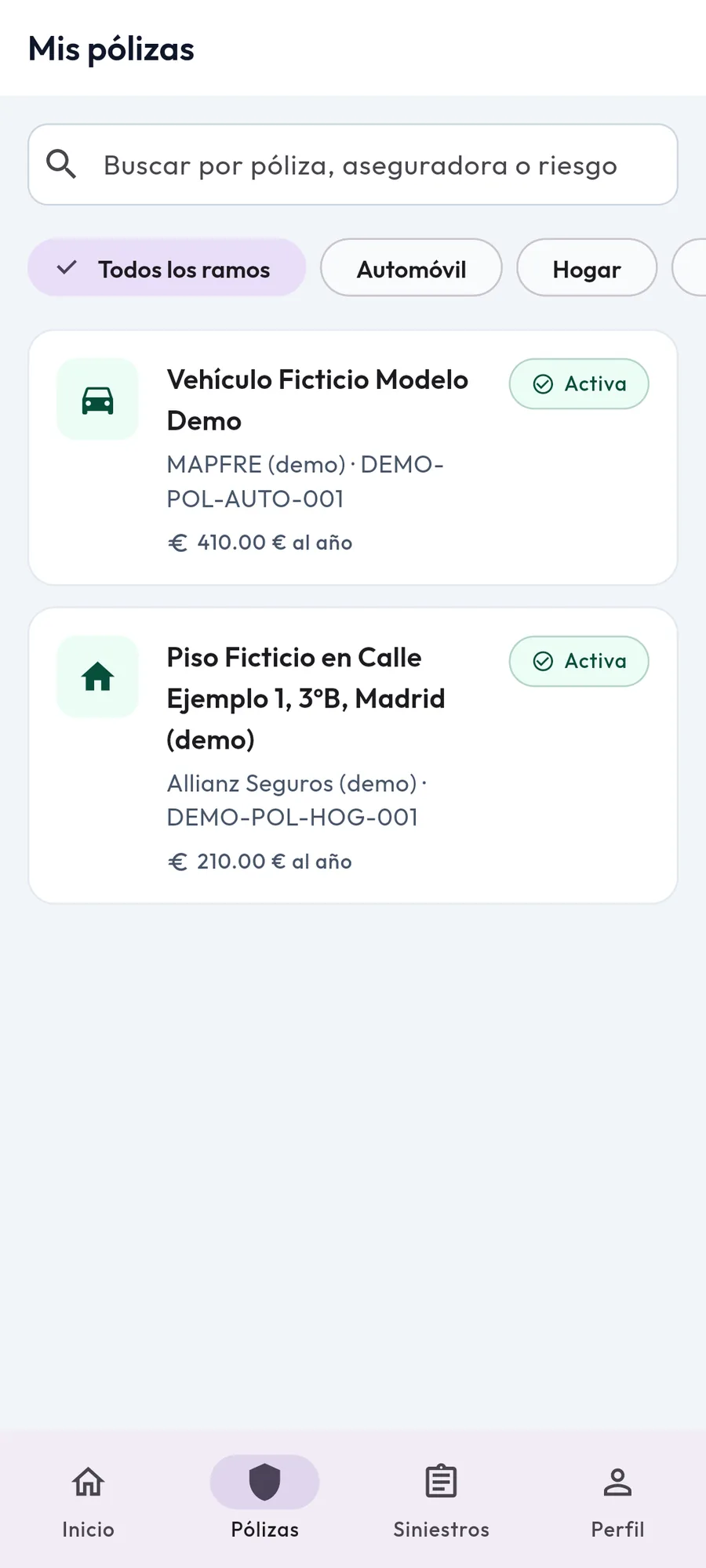
The policy in detail
Coverages, deductibles, clauses, exclusions, receipts and the contract in PDF.
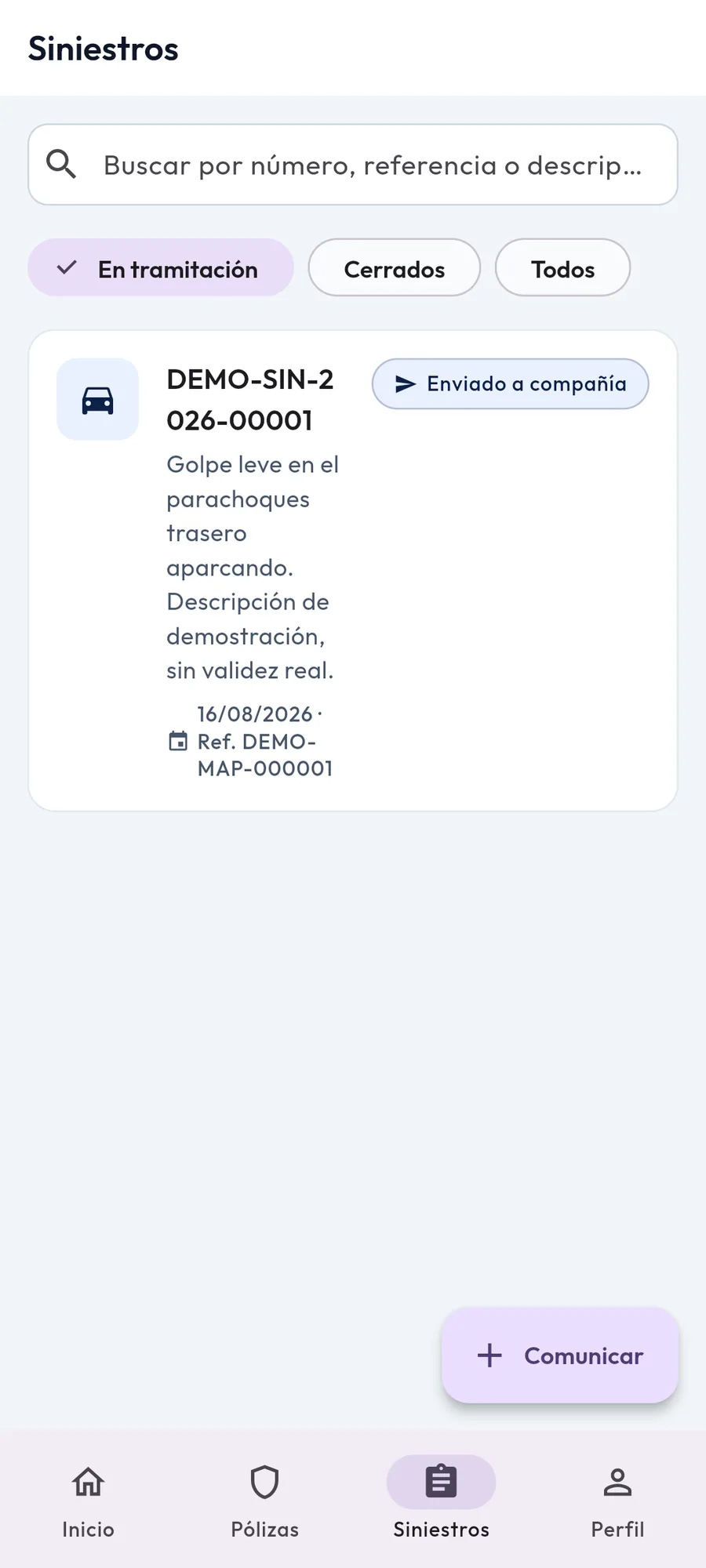
One claim, five steps
Declare with photos and friendly communication, and follow the file: received, under review, sent to the company, in progress and resolved.
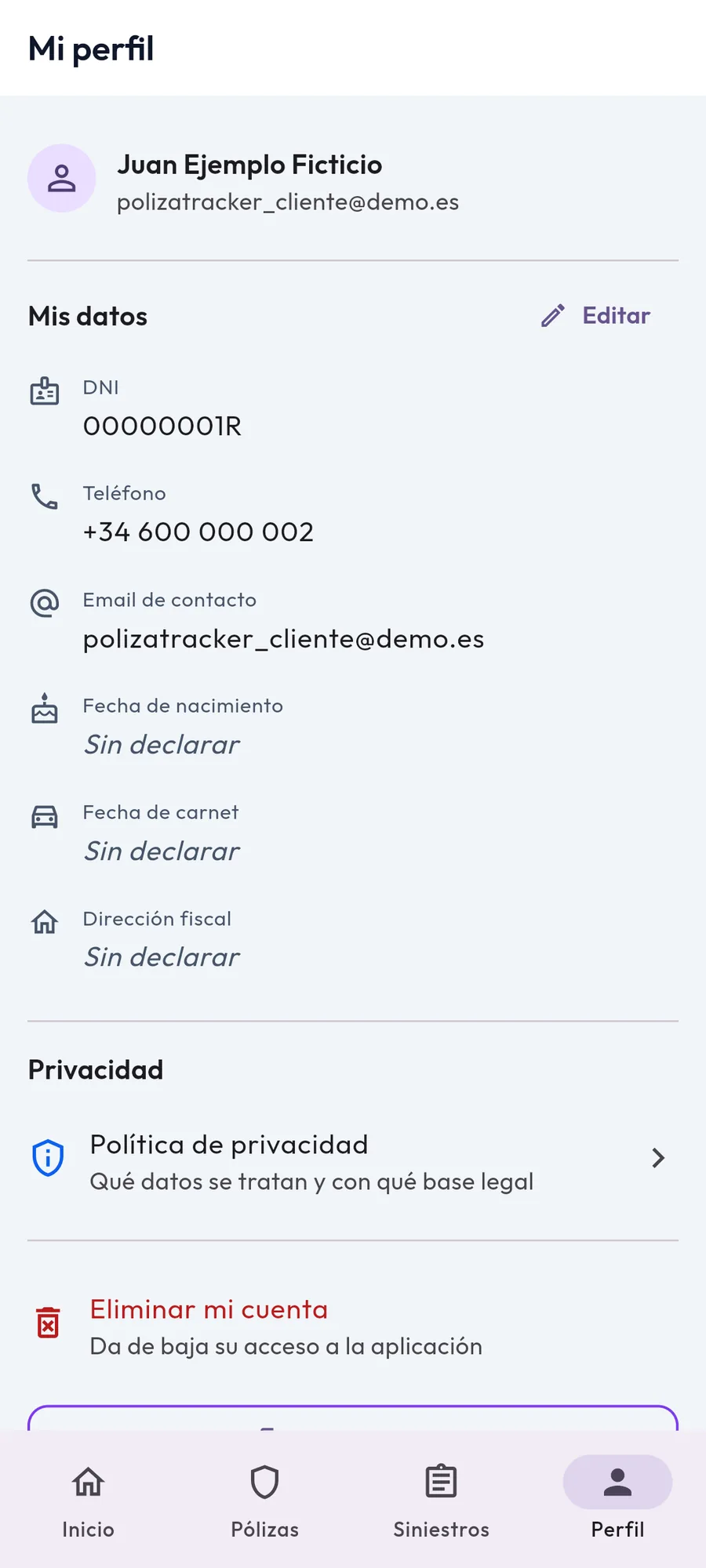
Your data, under your control
Each policyholder sees what is stored about them and can request its deletion from here.
In detail
What it does, and why it's done this way
- The claim file is fully visible
- Received, under review, sent to the company, in progress and resolved. The most repeated call is not for a claim: it's to ask where it is.
- The contract in PDF format, within the app
- Coverages, deductibles, clauses and exclusions. Discussing what a policy covers is made easy by simply viewing the policy.
- Receipts, with their date and amount
- What has been paid and when, without having to search for the transaction in your bank account.
- Budgets per line of business with comparison
- The offers received, one next to the other, so that the decision can be made using the same information as the brokerage.
- Each brokerage, isolated
- The data of one cannot be accessed from another. This is not a design preference; it is a requirement for a brokerage to accept adding its portfolio there.
Fit
For whom and for whom not
- It's for you if
- Are you a brokerage or an agent, do you have your own portfolio and want your brand to be the one seen by the insured?
- It's not for you if
- You are looking for a price comparison tool to attract new clients: this is useful for those who already belong to you.
Price
One straightforward plan
1.000 €
VAT not charged; reverse charge applies where eligible.
A brokerage, with all its insured customers. The price does not depend on the number of customers.
- The app published with your brokerage's logo and colors
- Add all your insured customers, without limit
- Management panel for your team, with your data isolated from that of any other brokerage
- Product updates throughout the year
- Email support throughout the year
What is already built
- The policy in detail: coverage, deductibles, clauses, exclusions, receipts and the contract in PDF format
- Guided claim submission in five steps, with photos and friendly assistance
- Case timeline: received, under review, sent to the company, in process, and resolved
- Quotes by category with comparison of received offers
- 24/7 roadside and emergency assistance at your fingertips
- Broker dashboard with its clients, policies and claims, its logo and colors, and its data isolated from any other broker's data
The year starts from when your brokerage has the app running with its data loaded, not from the payment date.
Questions
Frequently asked questions
Does the app display my brand or yours?
Yours. Your logo, your colors and the name of your brokerage. PolizaTracker is the name of the product you purchase, not the one your client sees.
Are my data mixed with those of another brokerage?
No. The data of each brokerage is isolated from that of any other.
Who is responsible for the data of my insureds?
The application is distributed by RMTracker S.L. Responsibility allocation is in the product's privacy policy, linked in the footer of this page.
What happens if I don't want to continue after a year?
The subscription does not renew automatically without notifying you, and we provide you with your data.